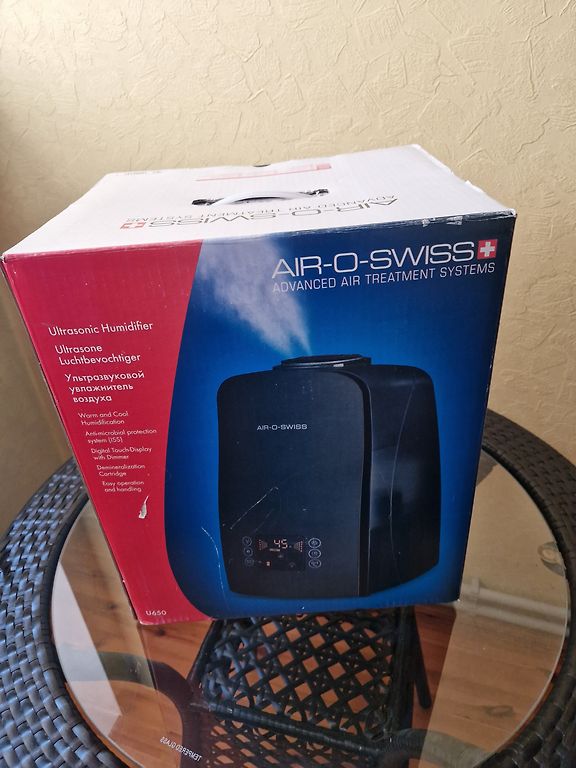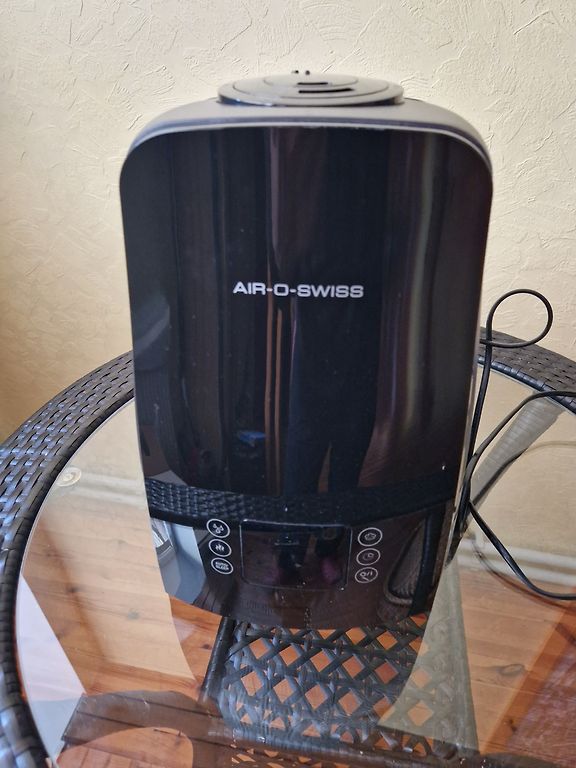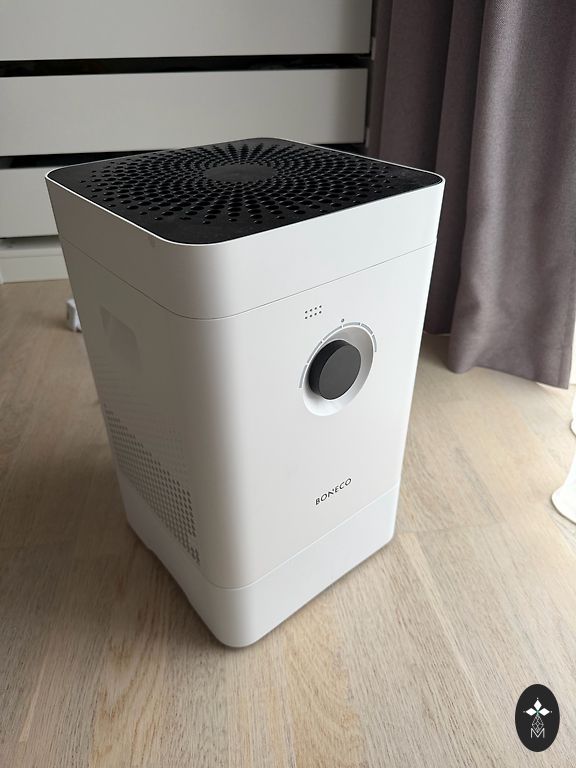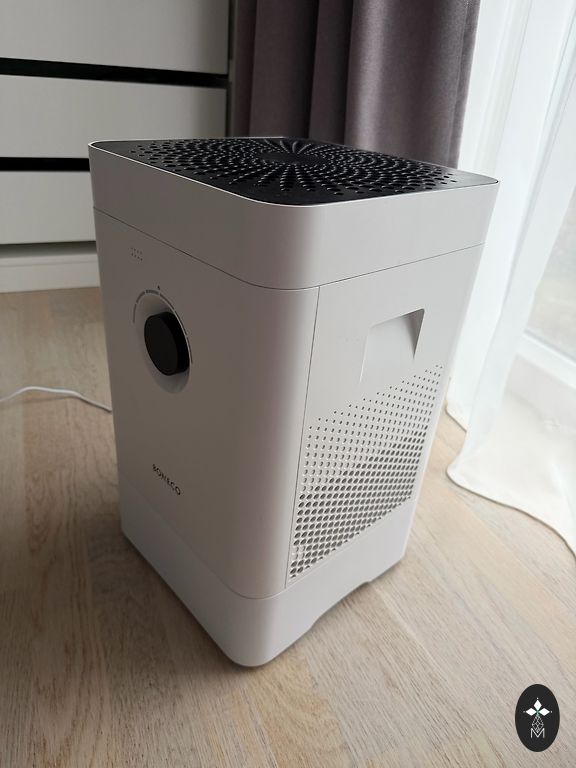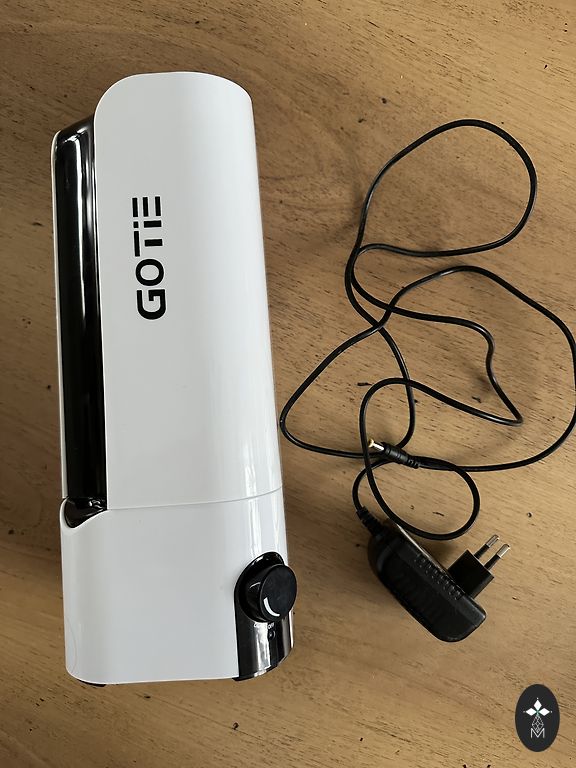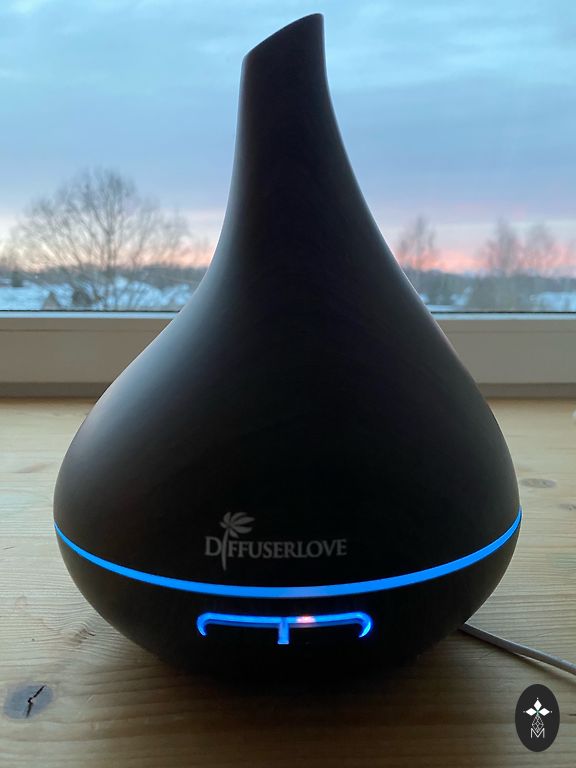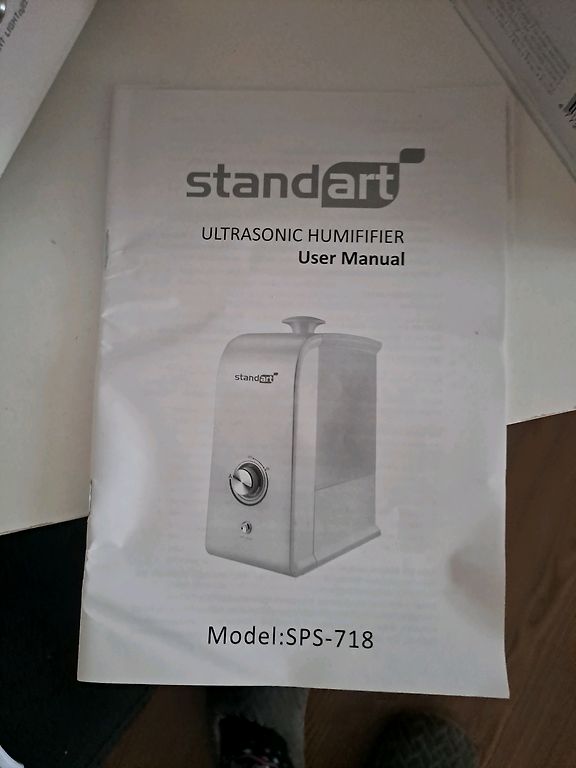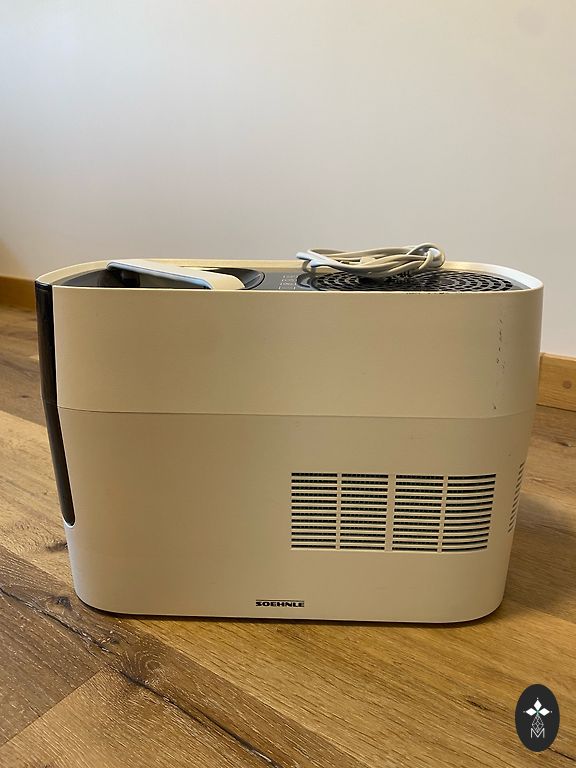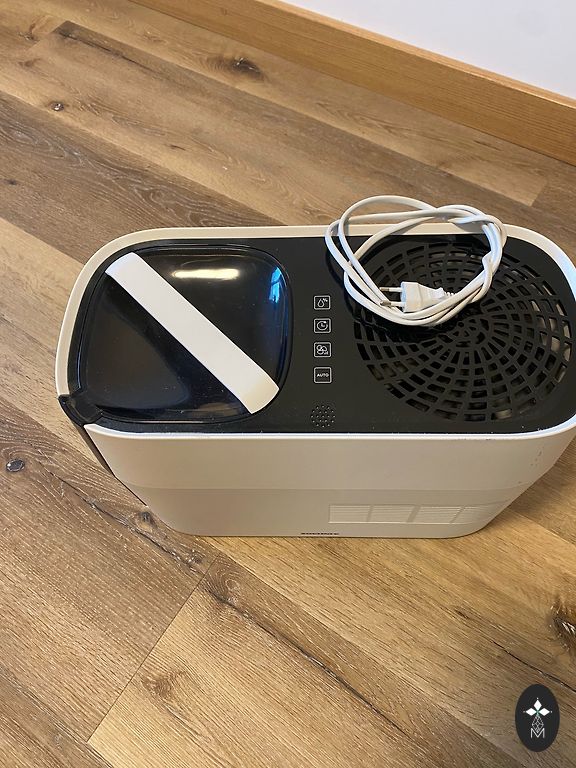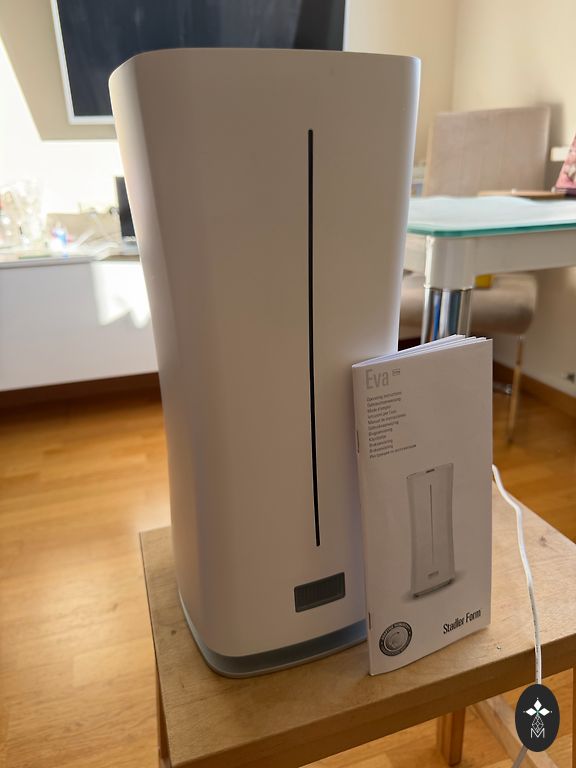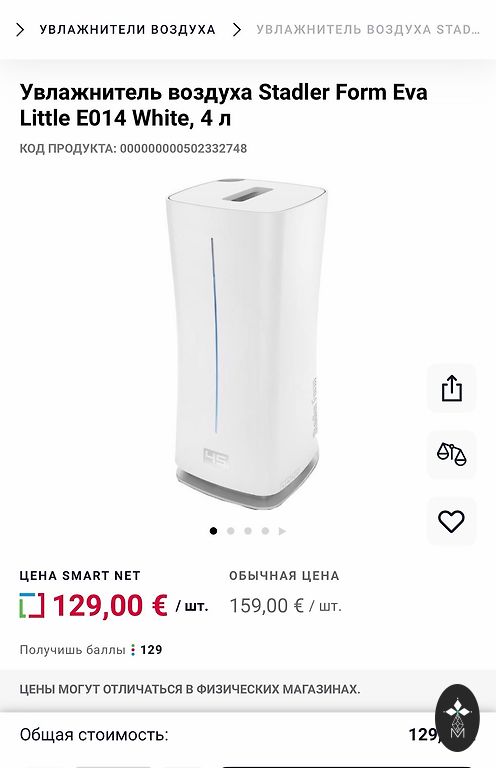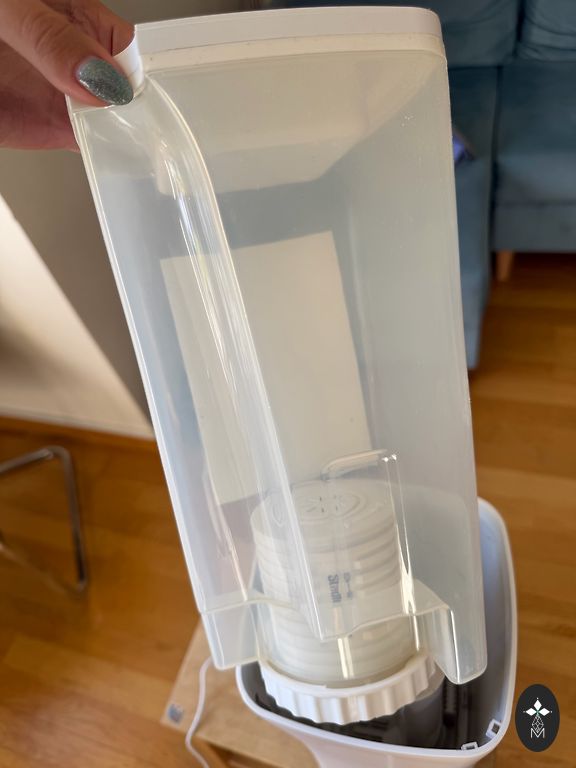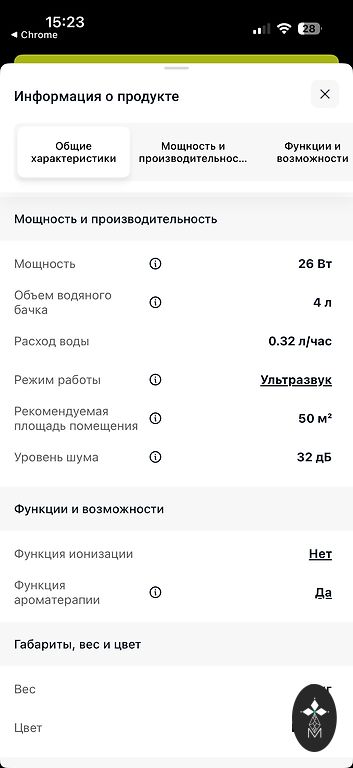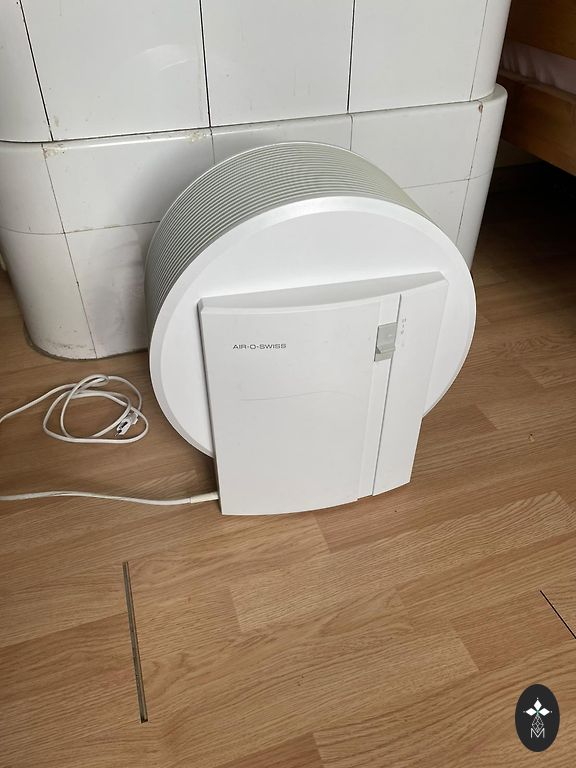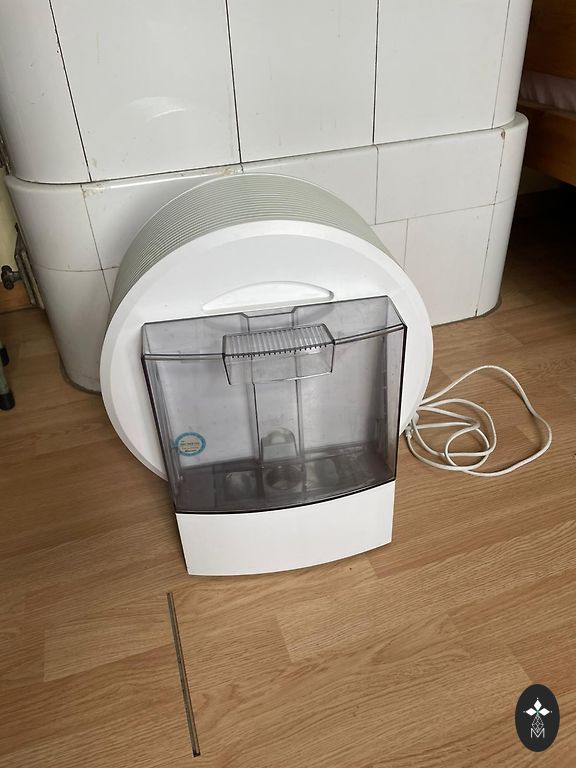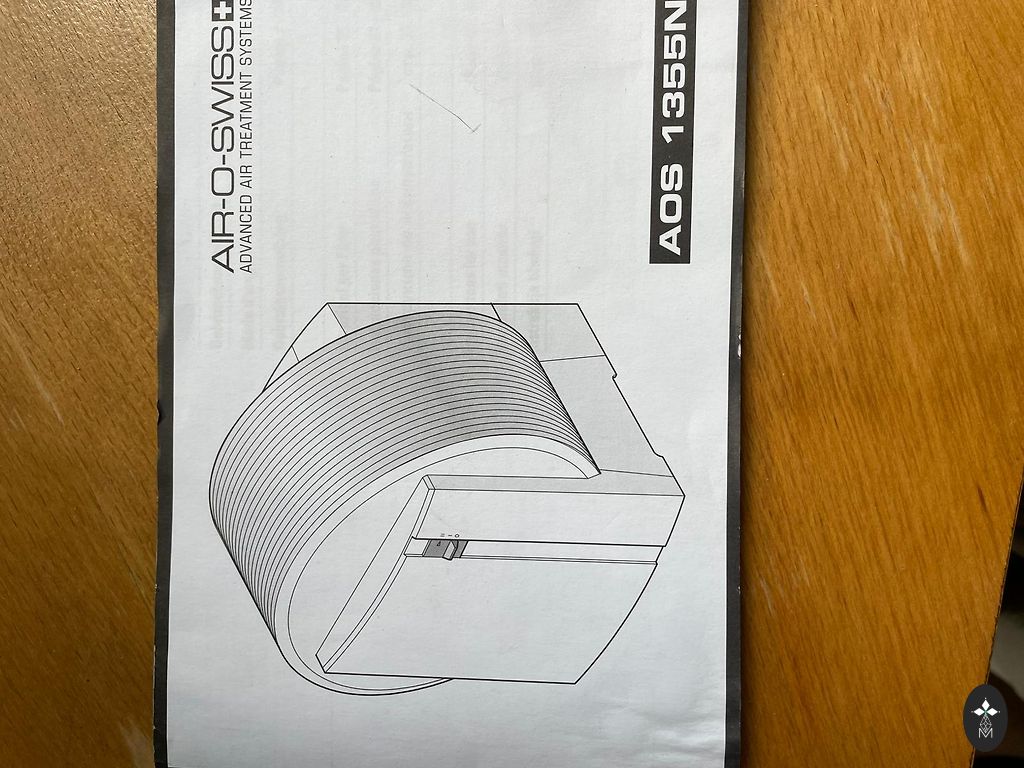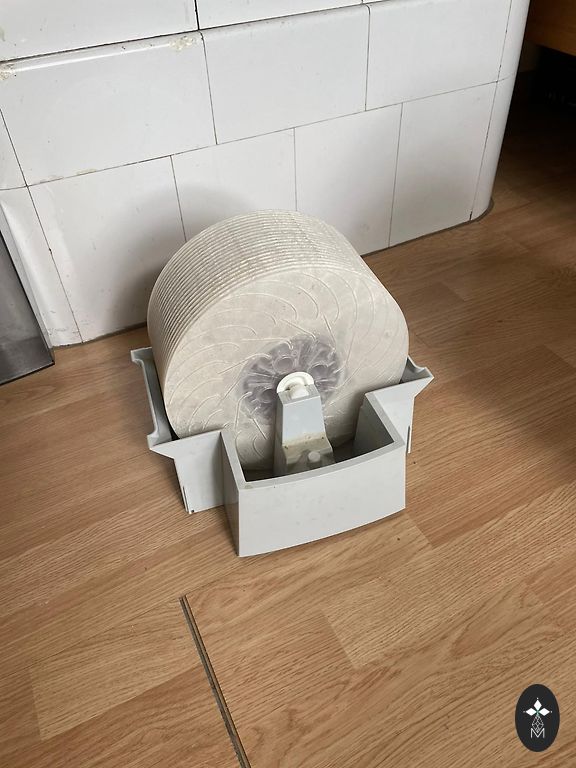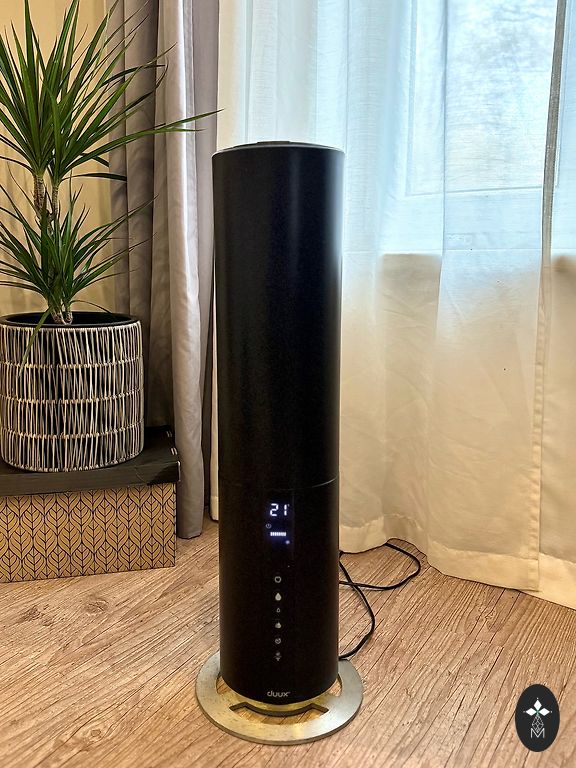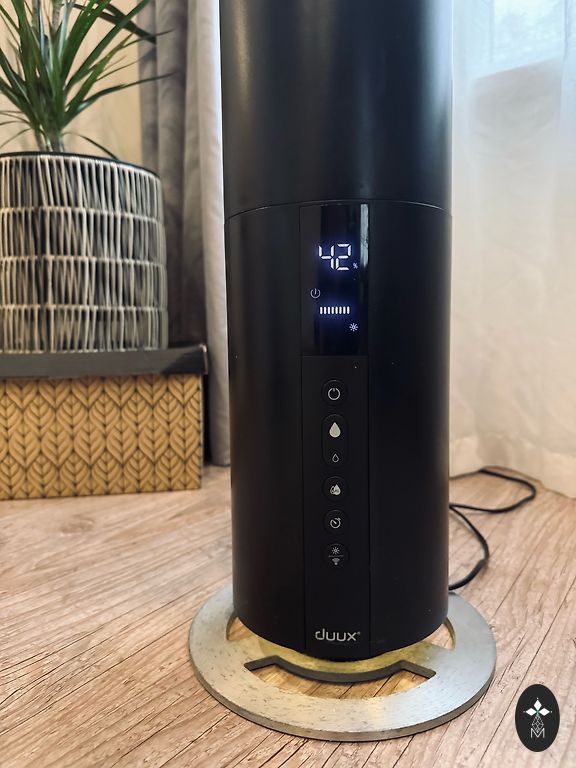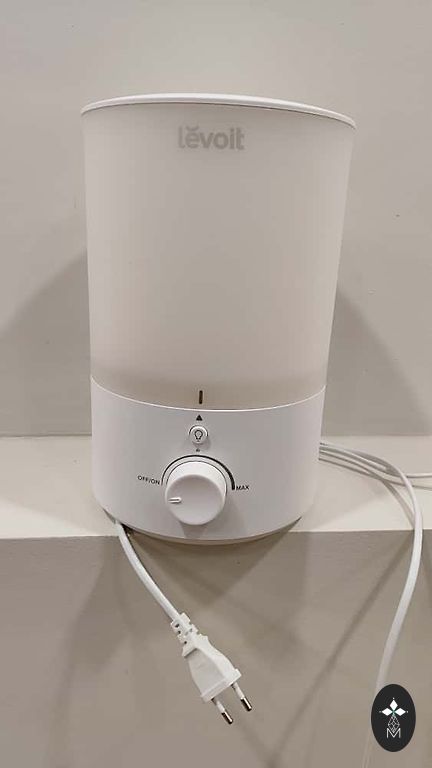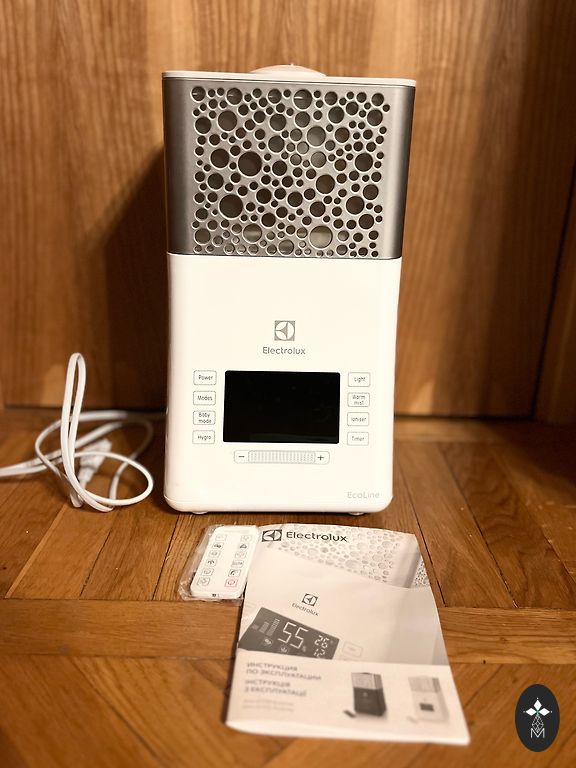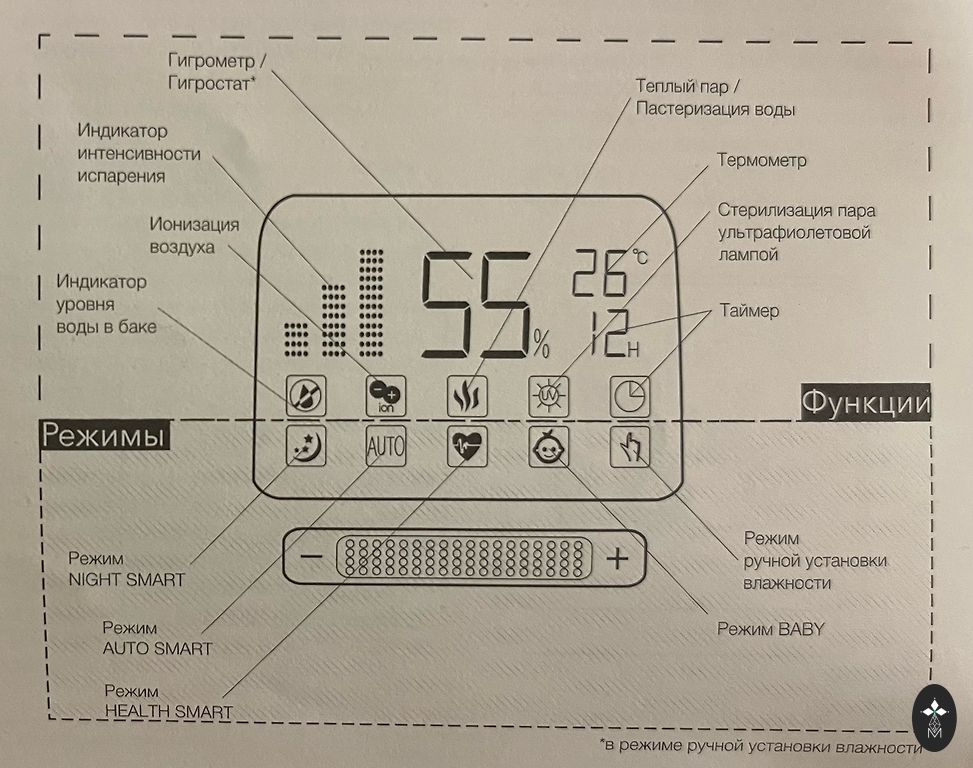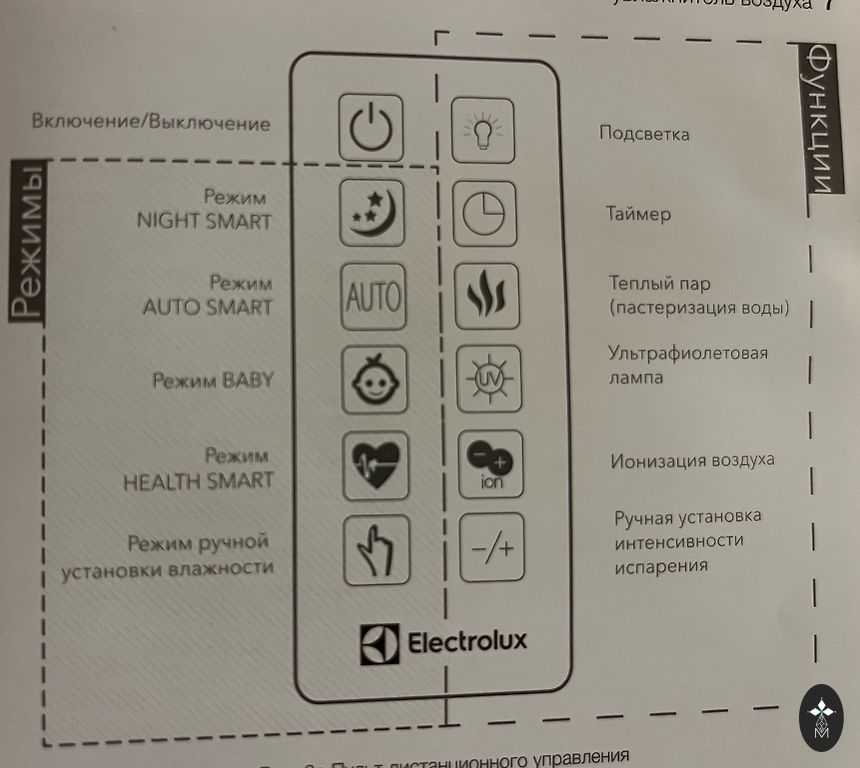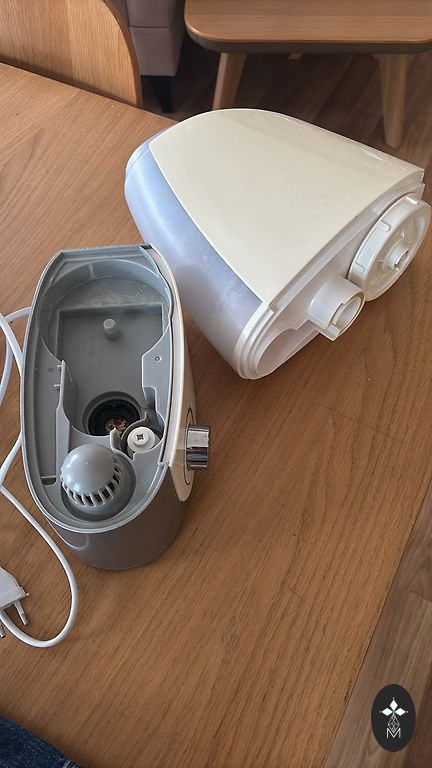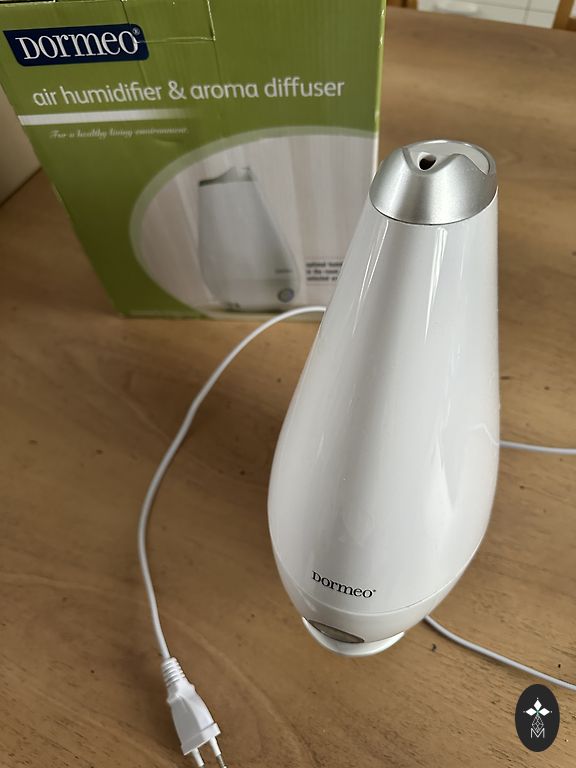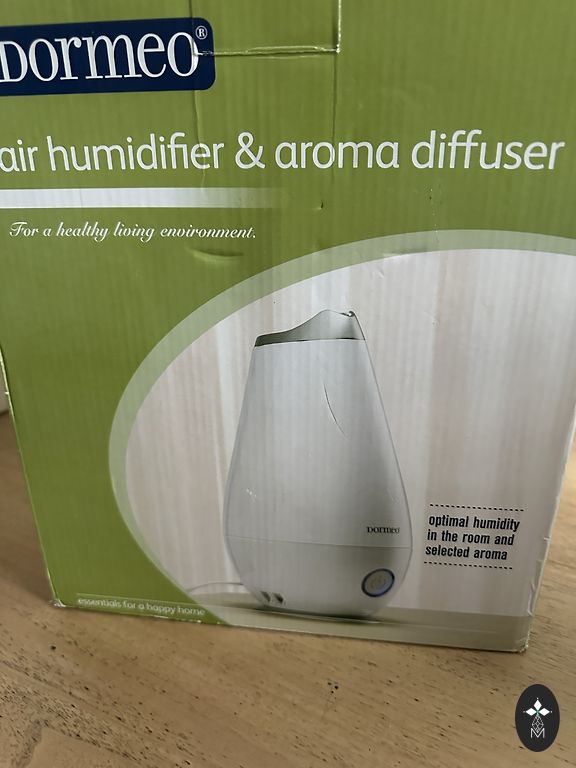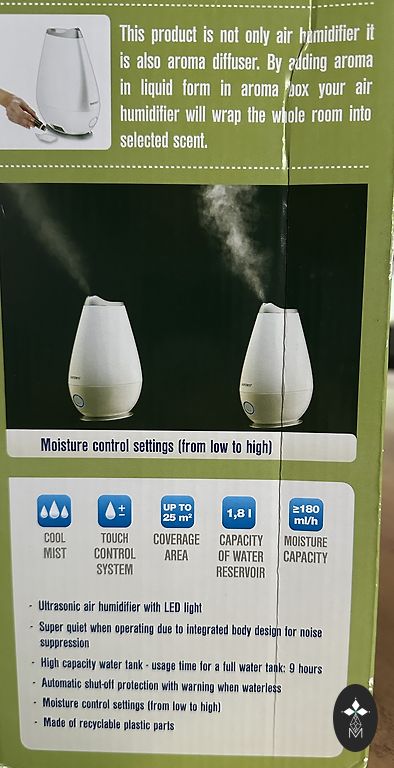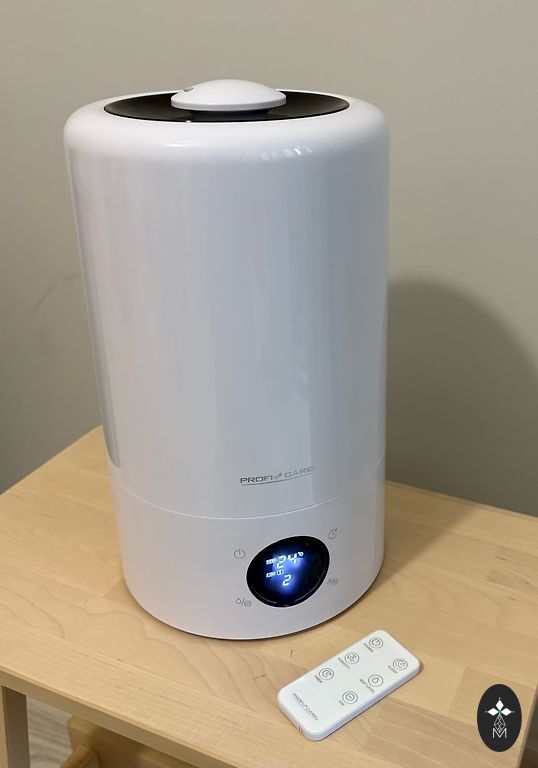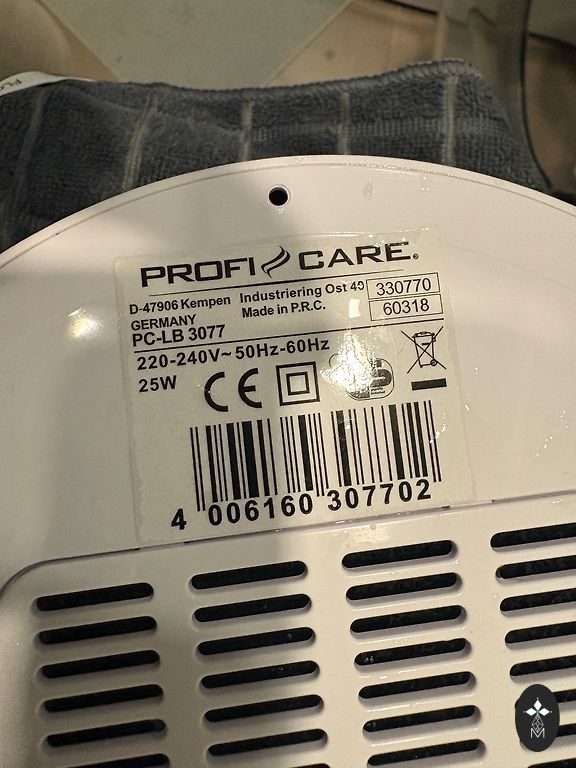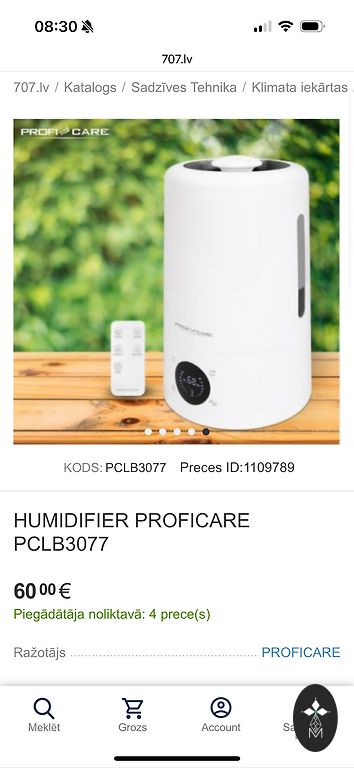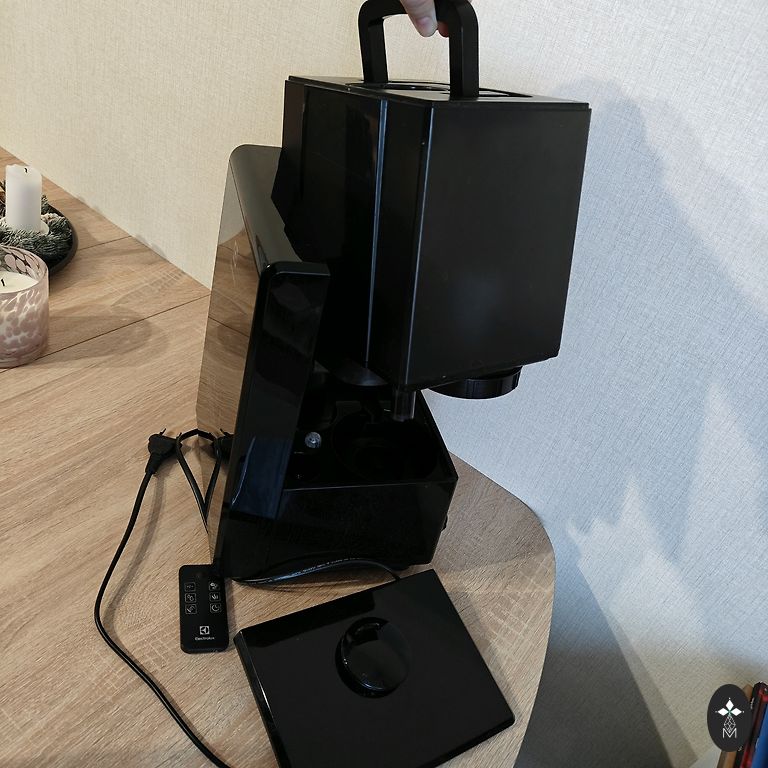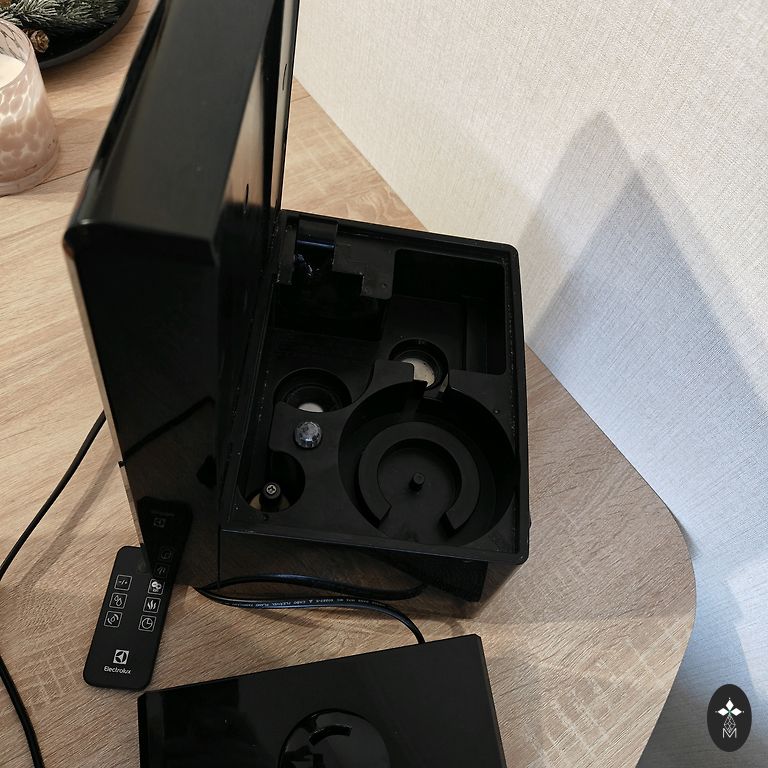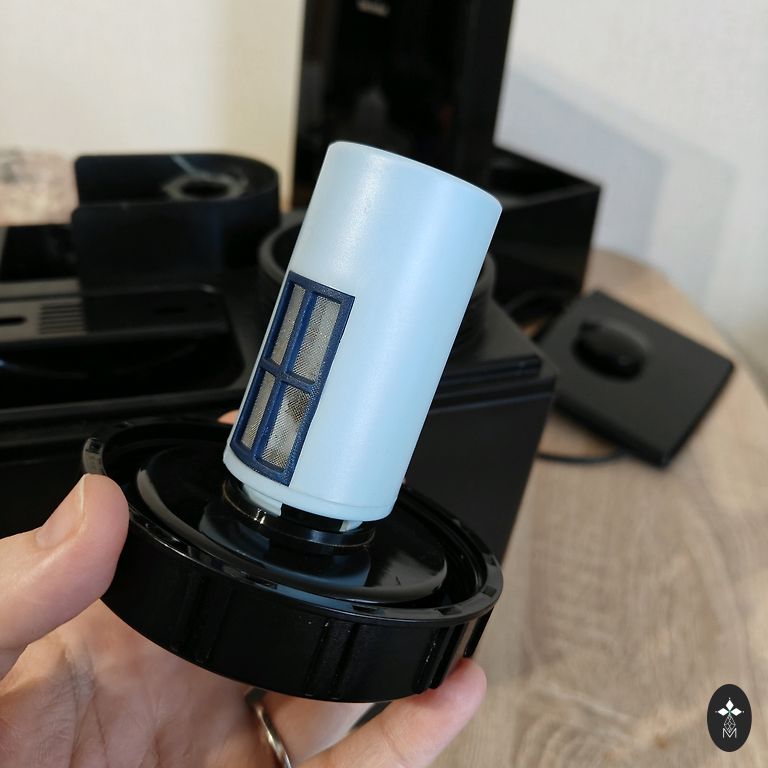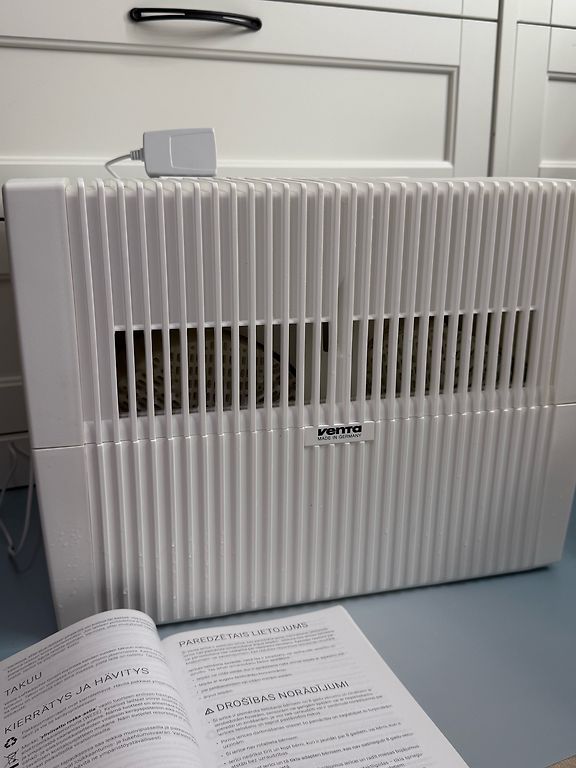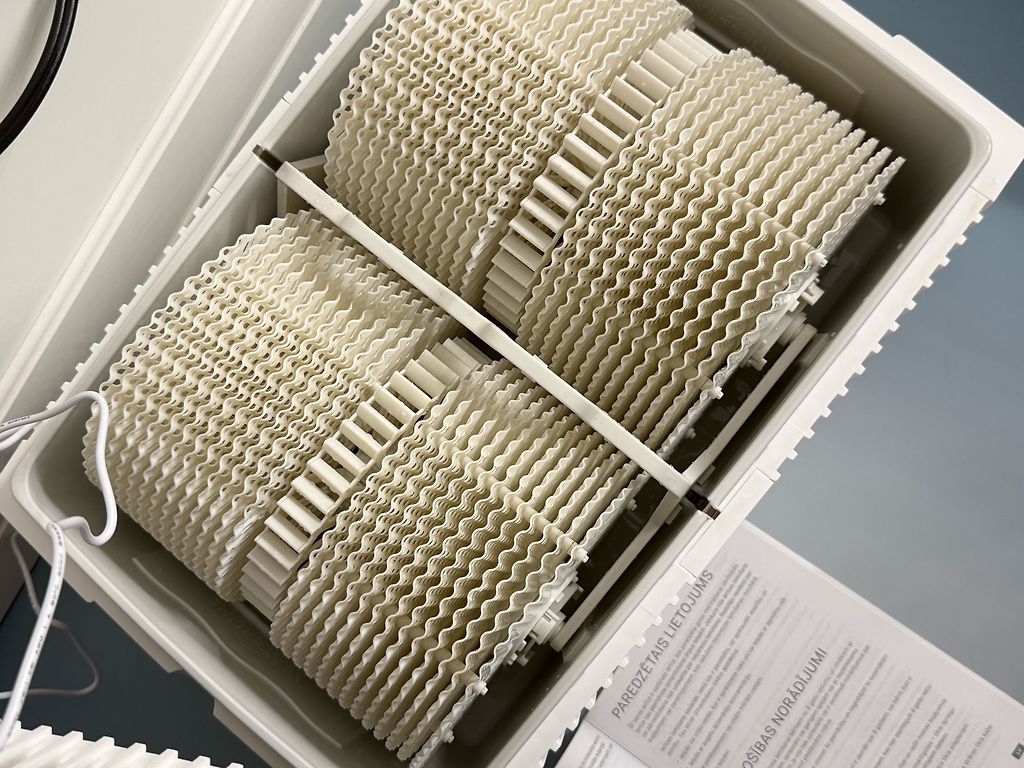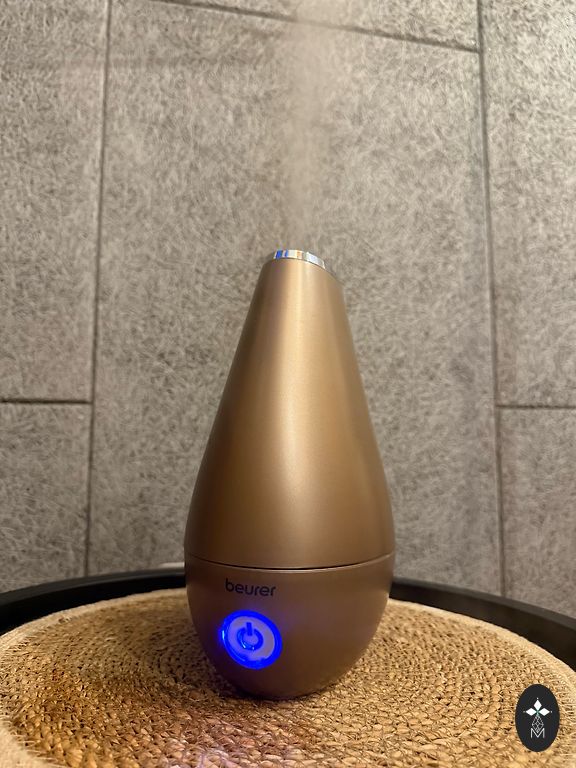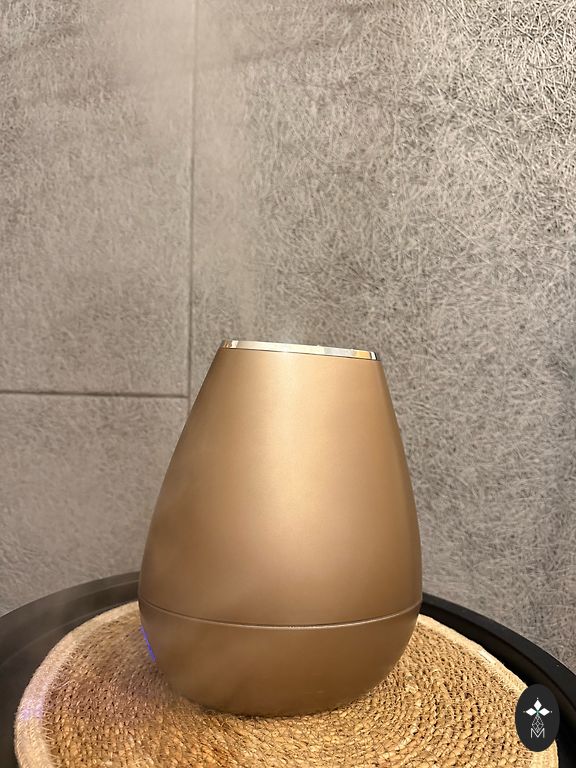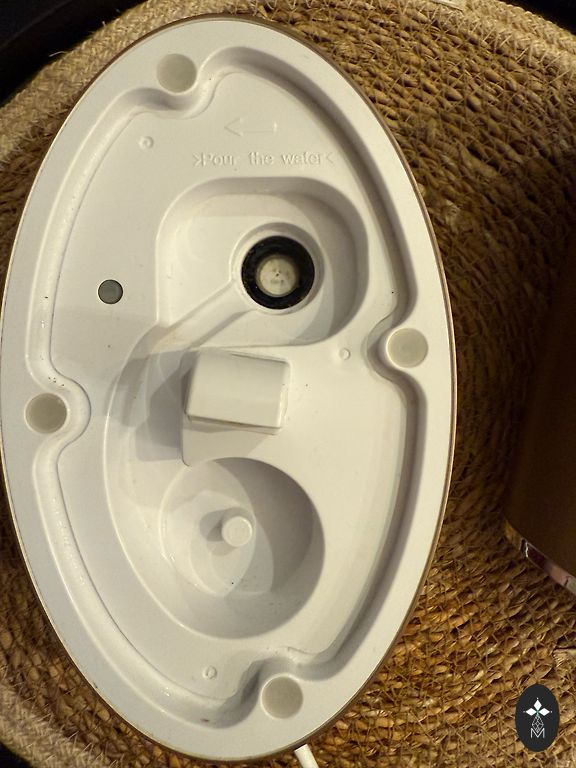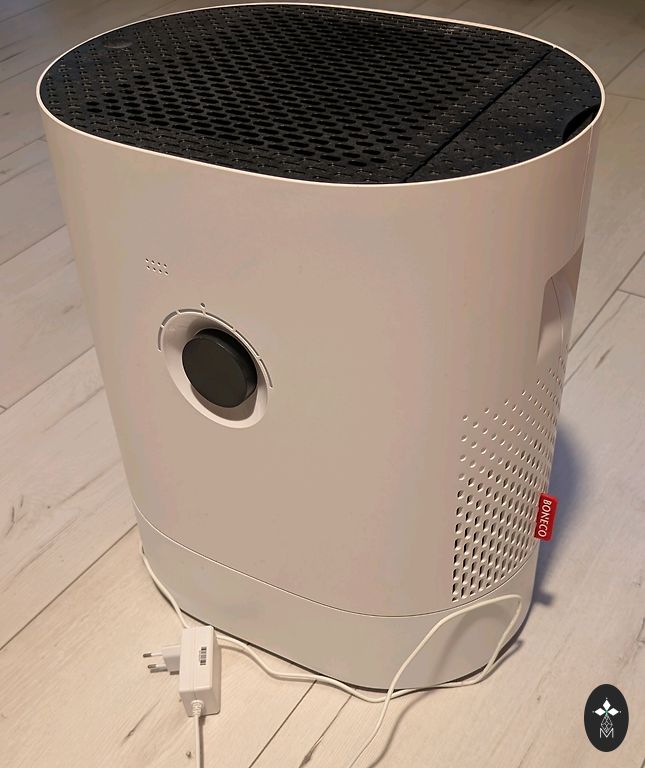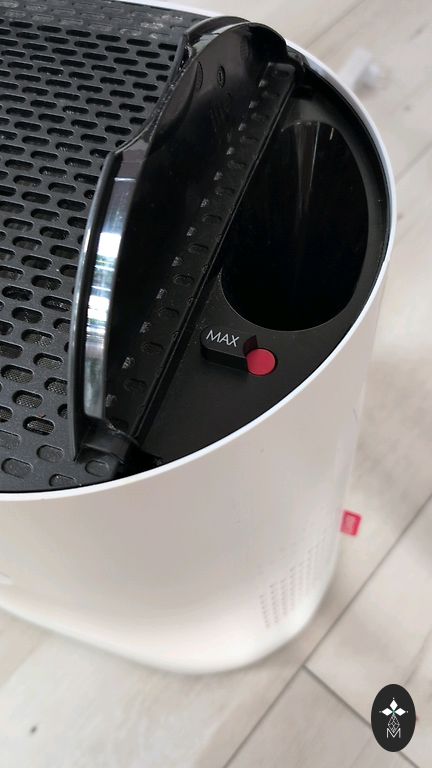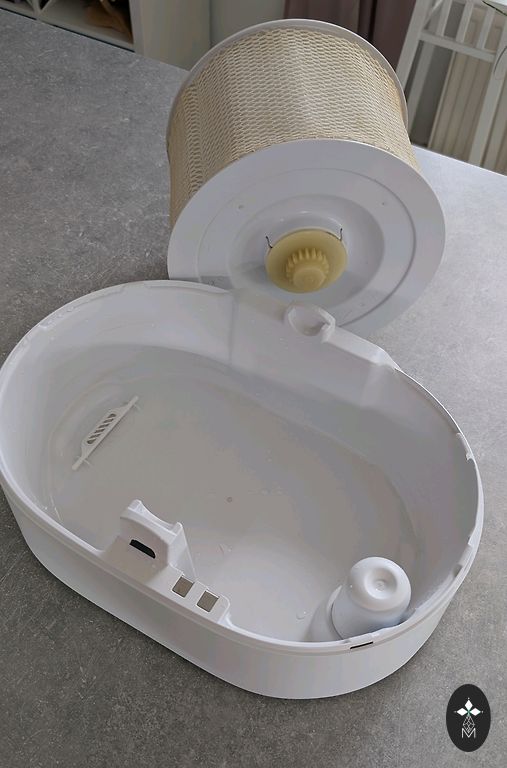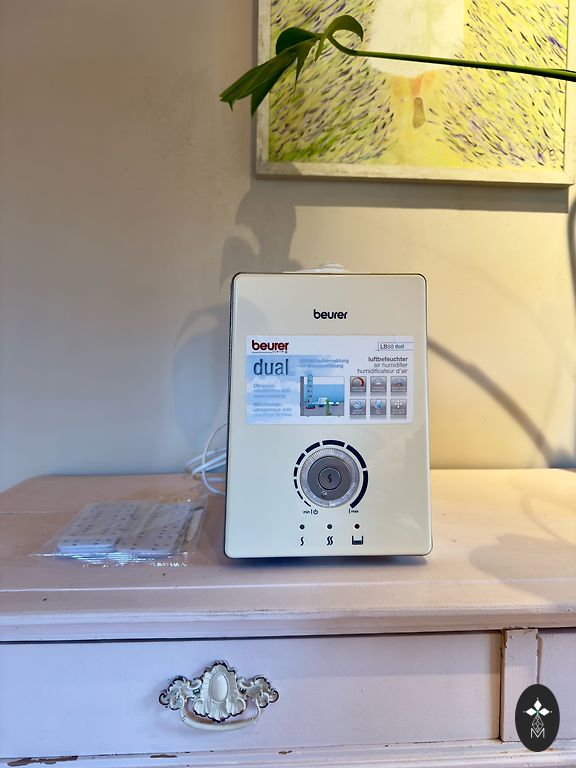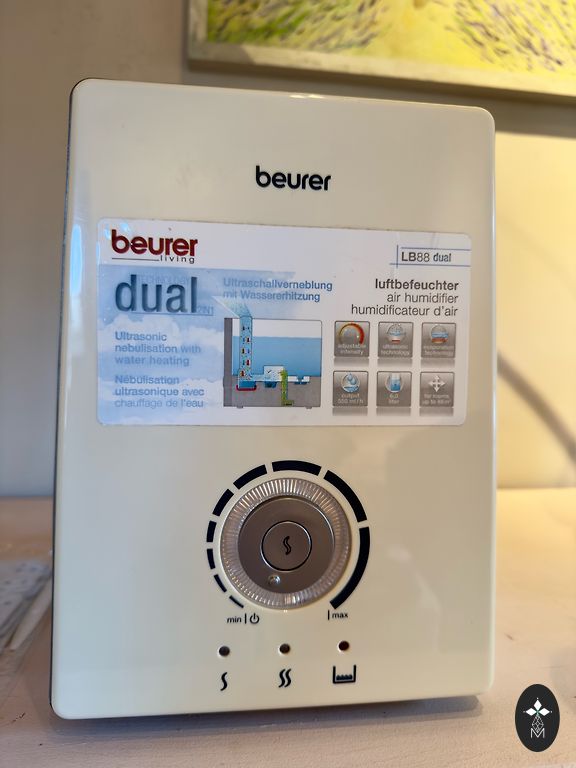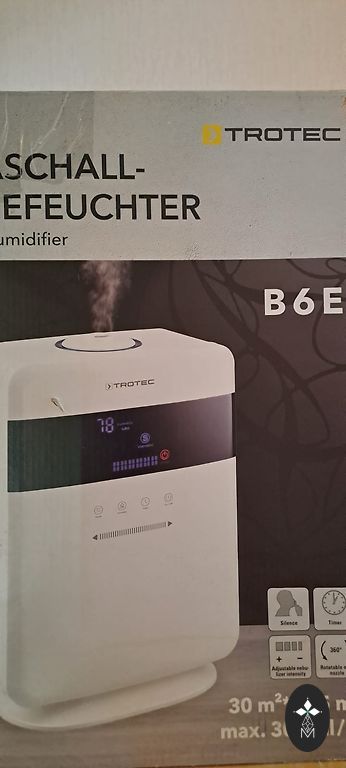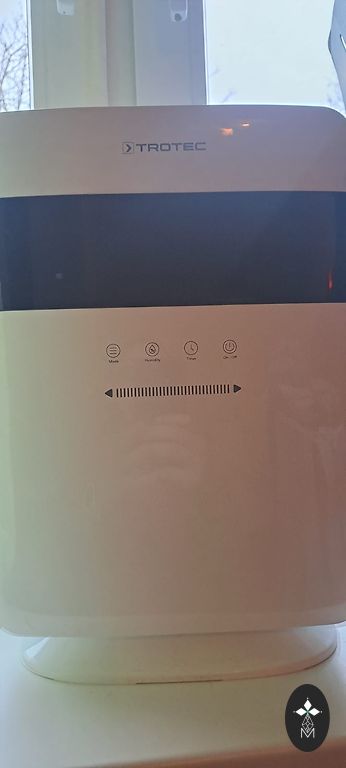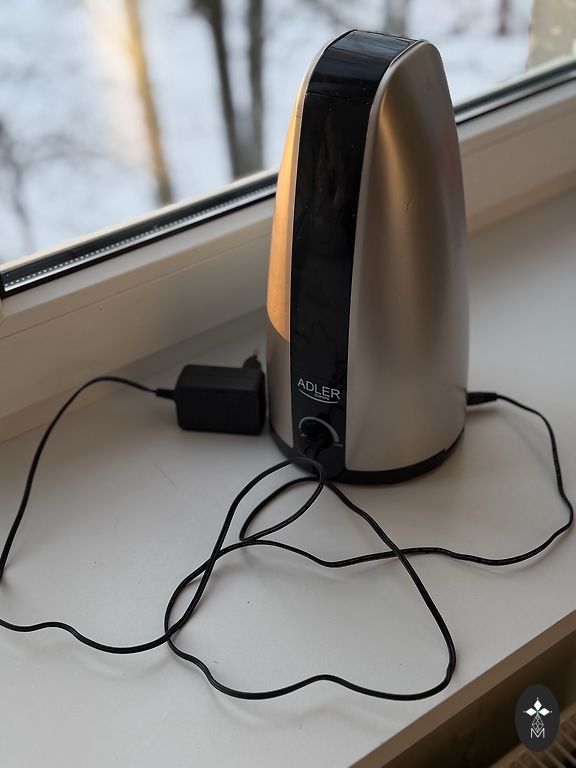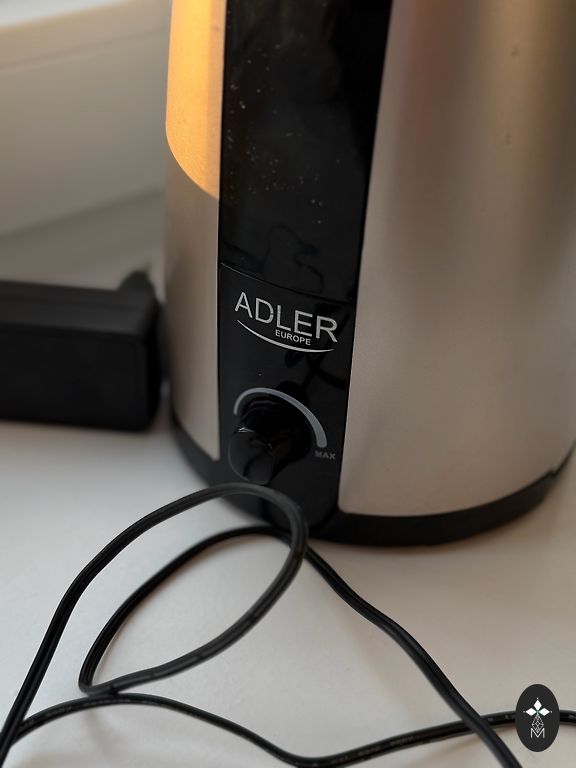






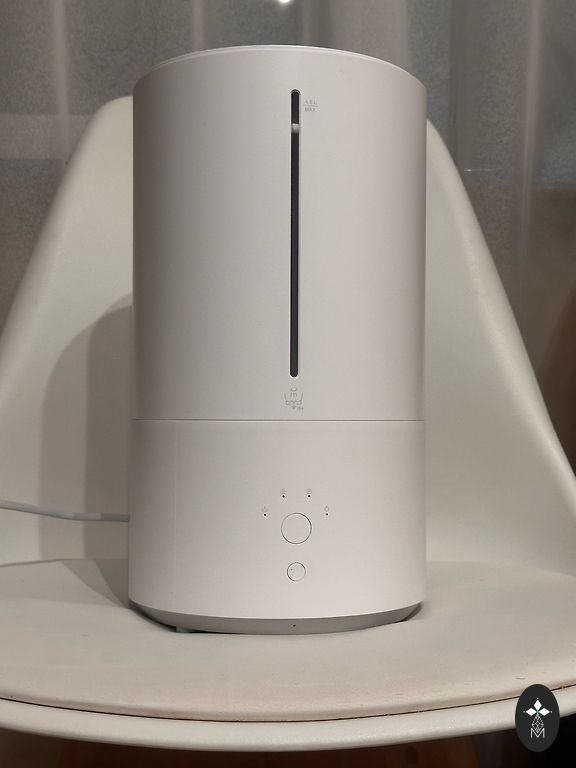

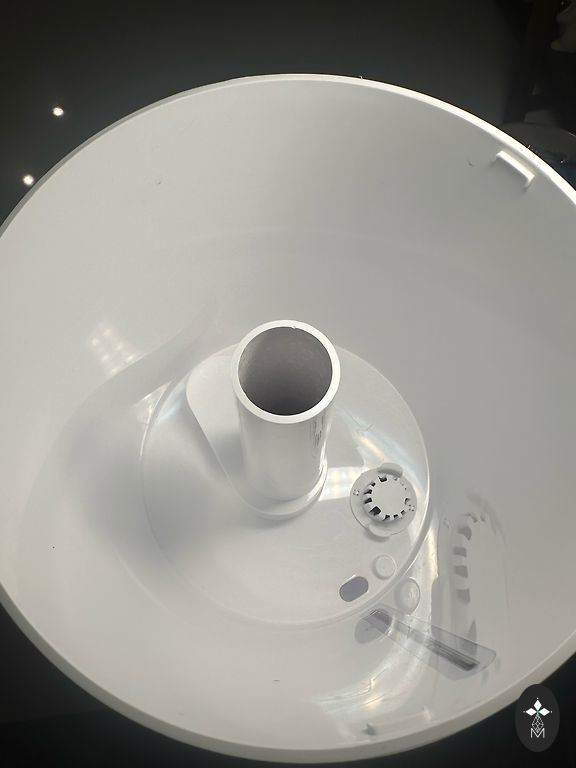
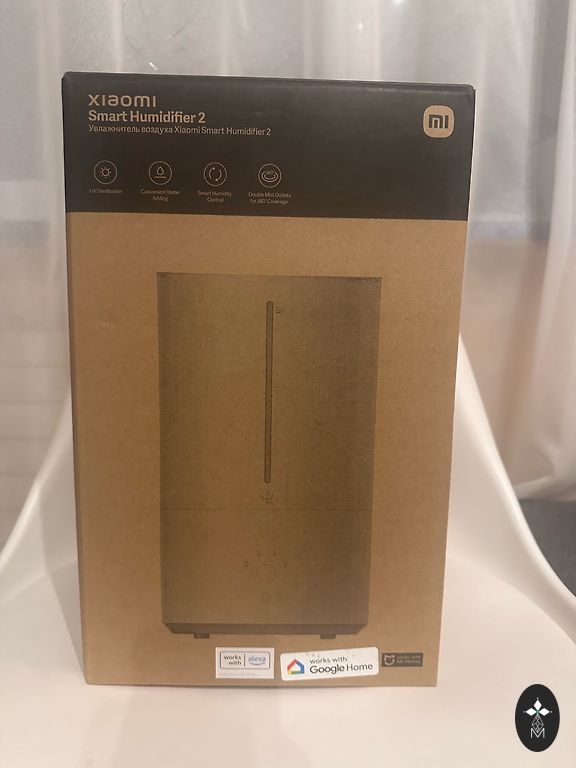

Xiaomi Smart Humidifier 2
| Brand | Xiaomi |
| Condition | Used, in perfect condition |
| Equipment Type | Air humidifiers |
| Added | Yesterday, 19:1828 |
Instrukcija
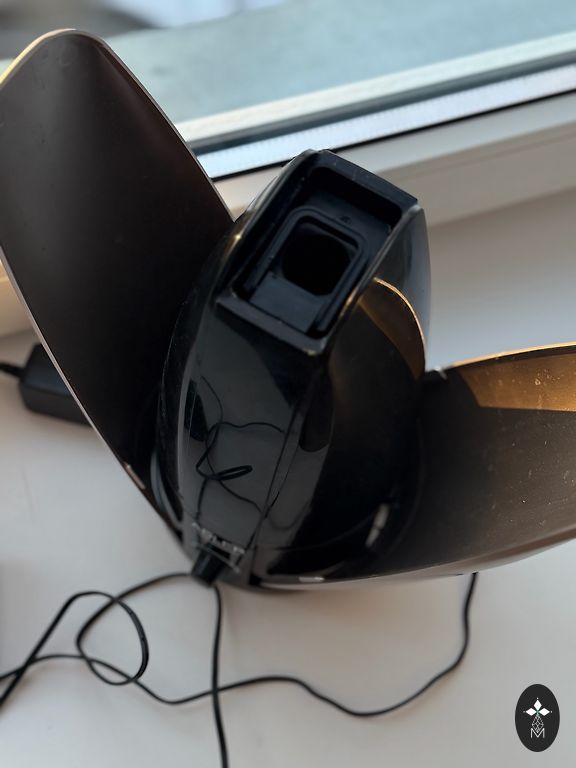
Izmantojot Xiaomi Smart Humidifier 2, piepildiet tvertni ar tīru ūdeni caur vāku, pievienojiet to elektrotīklam un izmantojiet pogas, lai to ieslēgtu/izslēgtu un pārslēgtos starp 1., 2., 3. režīmu vai pastāvīgu mitrumu. Lai iegūtu pilnīgu kontroli (taimeri, LED spilgtums, vecāku kontrole), izveidojiet savienojumu ar Mi Home lietotni, izmantojot Wi-Fi (nospiediet un turiet ierīces Wi-Fi pogu, līdz dzirdat skaņu, pēc tam izpildiet lietotnē sniegtos norādījumus).
Чтобы пользоваться Xiaomi Smart Humidifier 2, заливайте чистую воду в бак через крышку, подключайте к сети и используйте кнопки для включения/выключения и переключения между режимами 1, 2, 3 или постоянной влажности, а для полного контроля (таймеры, яркость LED, родительский контроль) подключите к приложению Mi Home через Wi-Fi (зажмите кнопку Wi-Fi на устройстве до звука, затем следуйте инструкциям в приложении). ">
Practically new. Bought it here new, used it once. Made a mistake with the device's functionality, as I needed a purifier, not a humidifier.
A humidifier is necessary to maintain optimal humidity levels in a room. It helps:
• prevent dry air, especially during the heating season;
• reduce dryness in the nose, throat, and skin;
• ease breathing and reduce coughing;
• improve sleep quality;
• reduce the spread of viruses and bacteria;
• protect furniture, parquet, and houseplants from drying
out.
Instructions
Using the Xiaomi Smart Humidifier 2, fill the tank with clean water through the lid, connect it to the power supply, and use the buttons to turn it on/off and switch between modes 1, 2, 3, or constant humidity. For complete control (timers, LED brightness, parental control), connect to the Mi Home app via Wi-Fi (press and hold the device's Wi-Fi button until you hear a sound, then follow the instructions provided in the app).
Чтобы пользоваться Xiaomi Smart Humidifier 2, заливайте чистую воду в бак через крышку, подключайте к сети и используйте кнопки для включения/выключения и переключения между режимами 1, 2, 3 или постоянной влажности, а для полного контроля (таймеры, яркость LED, родительский контроль) подключите к приложению Mi Home через Wi-Fi (зажмите кнопку Wi-Fi на устройстве до звука, затем следуйте инструкциям в приложении).